Getting started
CodeMarrow is local code intelligence for AI coding agents. It parses a repository into a graph of symbols and the links between them, stores it beside the code, and serves it to your agent as tools.
Install#
Install the command-line tool, or download the desktop app for your platform from the home page.
go install codemarrow/cmd/codemarrow@latestThe desktop app#
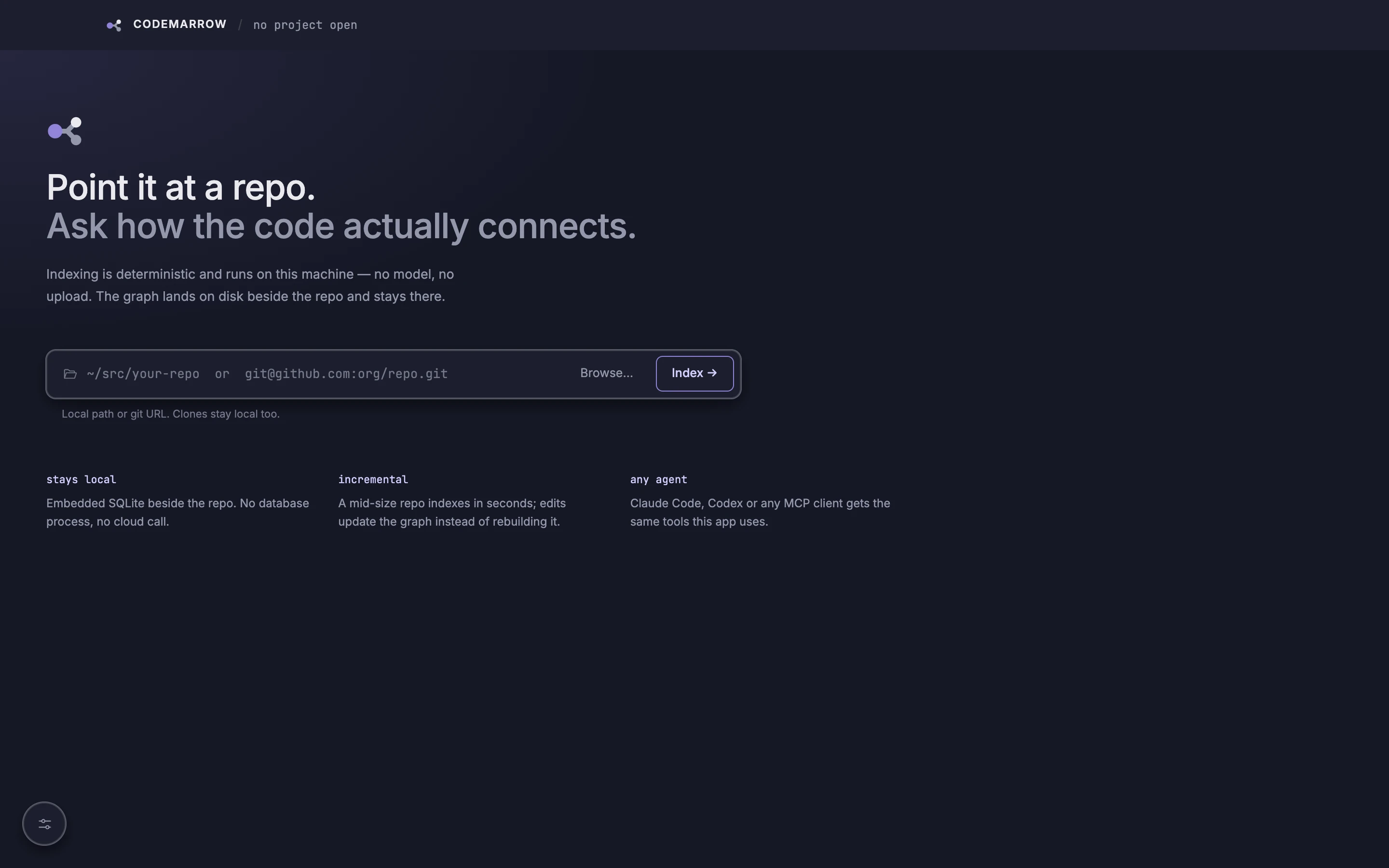
The app runs the same indexer and tools with a visual explorer. Type a local path or a git URL — clones stay on your machine too — or browse for a folder.
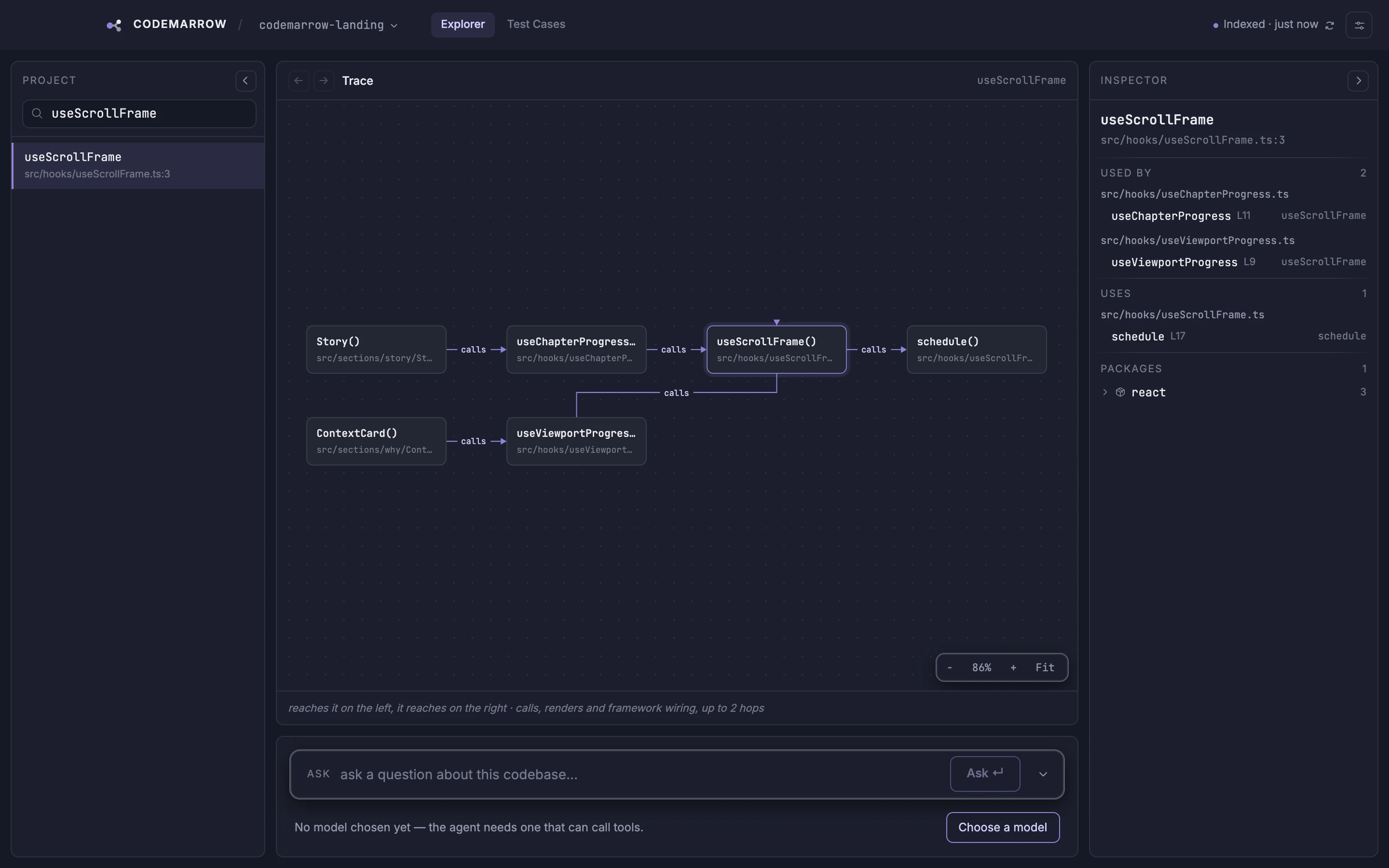
Search for a symbol to see what reaches it on the left and what it reaches on the right. The inspector lists every call site.
Index a project#
Point CodeMarrow at a project root. It indexes every supported source file and prints a JSON summary of what it found.
codemarrow index --project .Indexing CodeMarrow’s own repository — 216 Go and TypeScript files — takes about 1.5 seconds on an Apple-silicon laptop. Run it again with nothing changed and every file is skipped in 0.2 seconds.
{ "filesScanned": 216, "filesIndexed": 216, "filesSkipped": 0, "filesFailed": 0, "filesRemoved": 0, "functions": 1074, "calls": 5069, "resolvedCalls": 1520, "edges": 1623}- The index is written to
.codemarrow/index.dbin the project root — add.codemarrow/to your.gitignore. - Indexing is incremental: unchanged files are skipped, so re-running after an edit is fast.
- Files matched by .gitignore, hidden and dependency directories, and minified bundles are skipped.
- Indexing is deterministic and runs entirely on your machine. No model is involved and nothing is uploaded.
Supported languages#
Framework wiring#
Frameworks call your code without a visible call site — a route handler, a middleware, a page layout. CodeMarrow understands these frameworks, so entry points and interceptors show up in the graph like any other link:
- Express (TypeScript / JavaScript)
- NestJS (TypeScript)
- Next.js (TypeScript / JavaScript)
- Spring (Java)
Next steps#
- Connect an agent — Claude Code, Codex, Cursor or any MCP client.
- Browse the MCP tools your agent can call.
- Use the CLI from scripts and CI.